Comparison
A Canva alternative for business owners who don't want to design
Canva is a design tool: you start from a template and build each post yourself. SMPM works the other way around. You give it your photos and one sentence about the post, and it gives you finished posts with a caption, as an image and a video. This comparison reflects both products in October 2026.
Updated October 2026
SMPM and Canva side by side
| Canva | SMPM | |
|---|---|---|
| Starting point | A template or a blank design | Your photos and a sentence about the post |
| Who designs | You | SMPM, you choose and adjust |
| Caption and hashtags | Write them yourself or use Canva's AI writing tools | Included with every post |
| Video version | You animate the design yourself | Every post is also a short video with sound effects |
| Feed and story sizes | You resize or rebuild the design | Both made automatically, each laid out for its shape |
| What it's built for | Any design: posts, flyers, presentations, print | Social media posts for a business, nothing else |
When Canva is the better choice
Choose Canva if you enjoy designing, want full control over every element, or also need flyers, menus, presentations and print. Canva is very good at that, and it has a free plan.
When SMPM is the better choice
Choose SMPM if you want posts that are done, not a design project. It suits owners who post a few times a week and would rather spend those hours on customers. You pick photos, say what's happening, keep the posts you like, and post them.
How it works
- Add your photos. From your phone's album or straight from the camera. They stay in your own library.
- Say what the post is about. In your own words: an offer, an event, new opening hours, the mood of the week.
- Get three posts. SMPM picks the layout, typefaces and colours, places your text and writes the caption.
- Save and post. Save the post to your phone and publish it when and where you want.
Examples
Posts made by SMPM from phone photos:
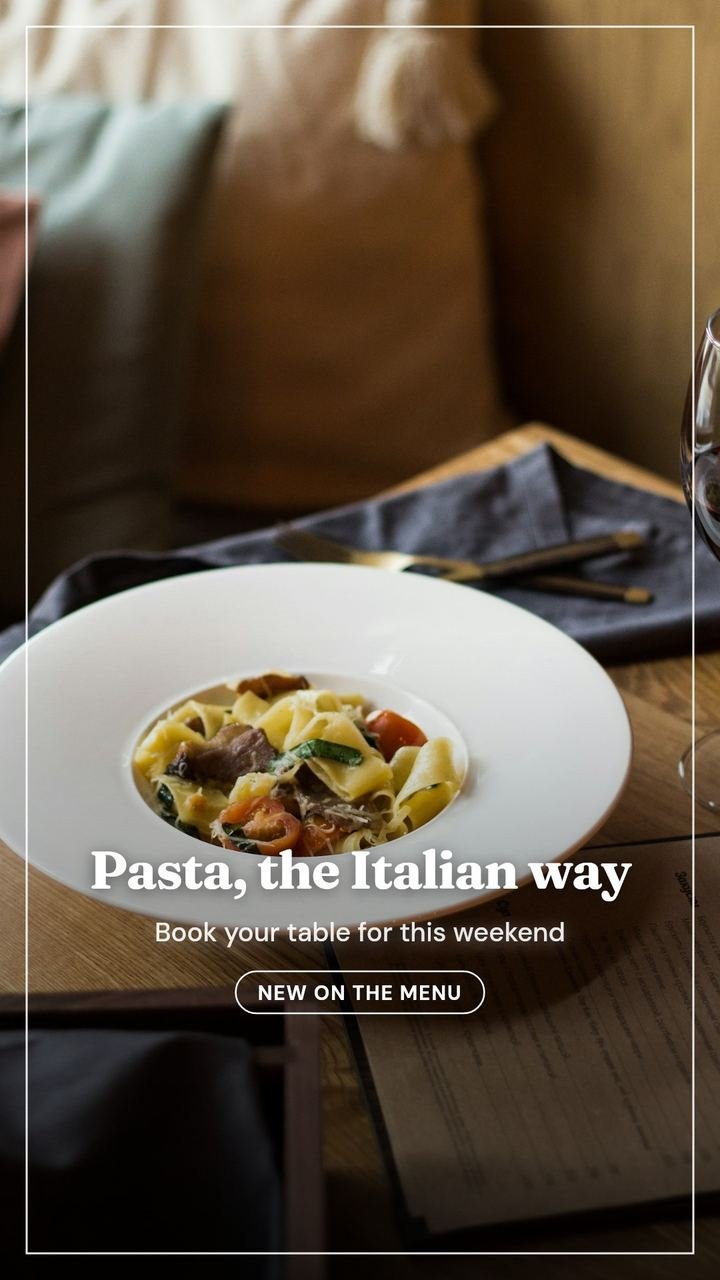
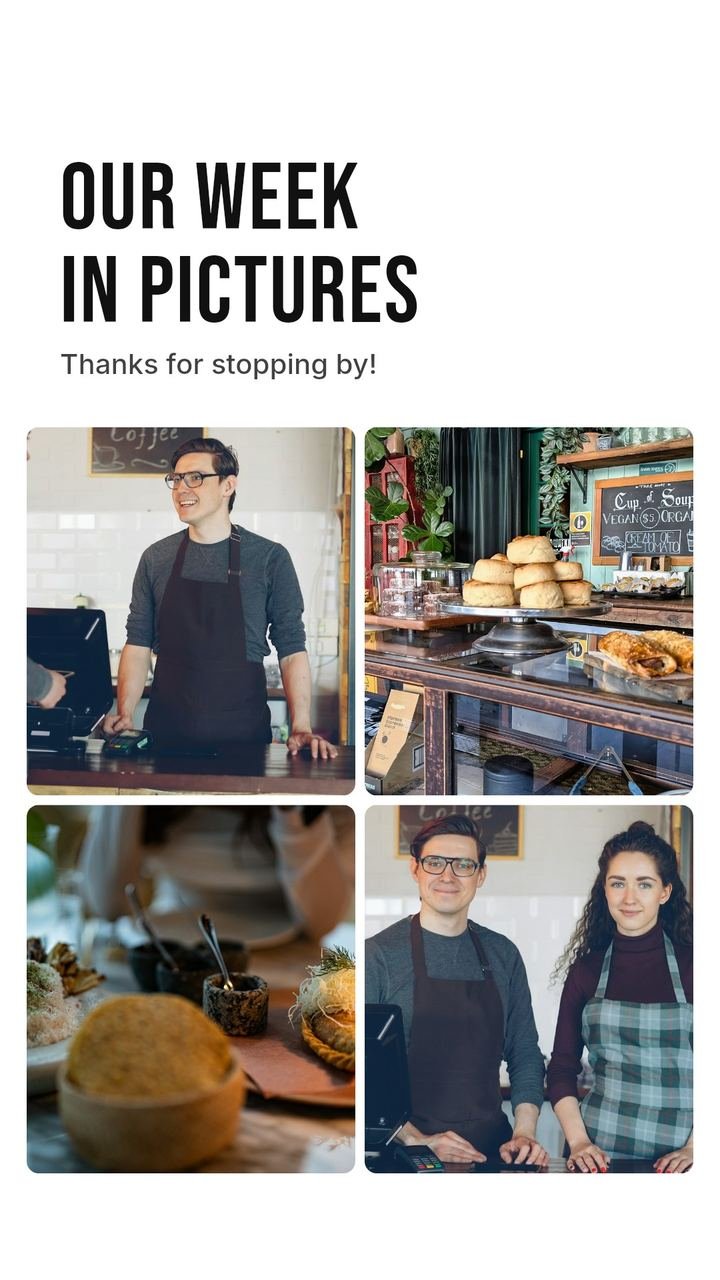
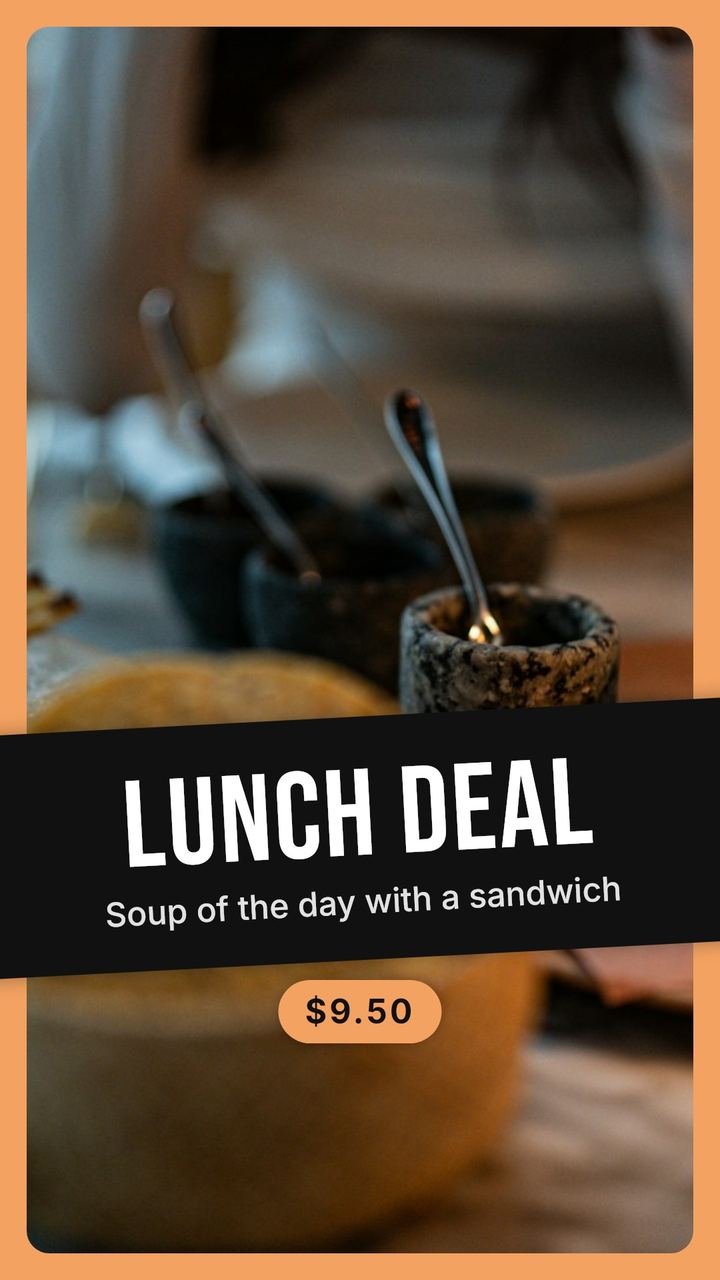
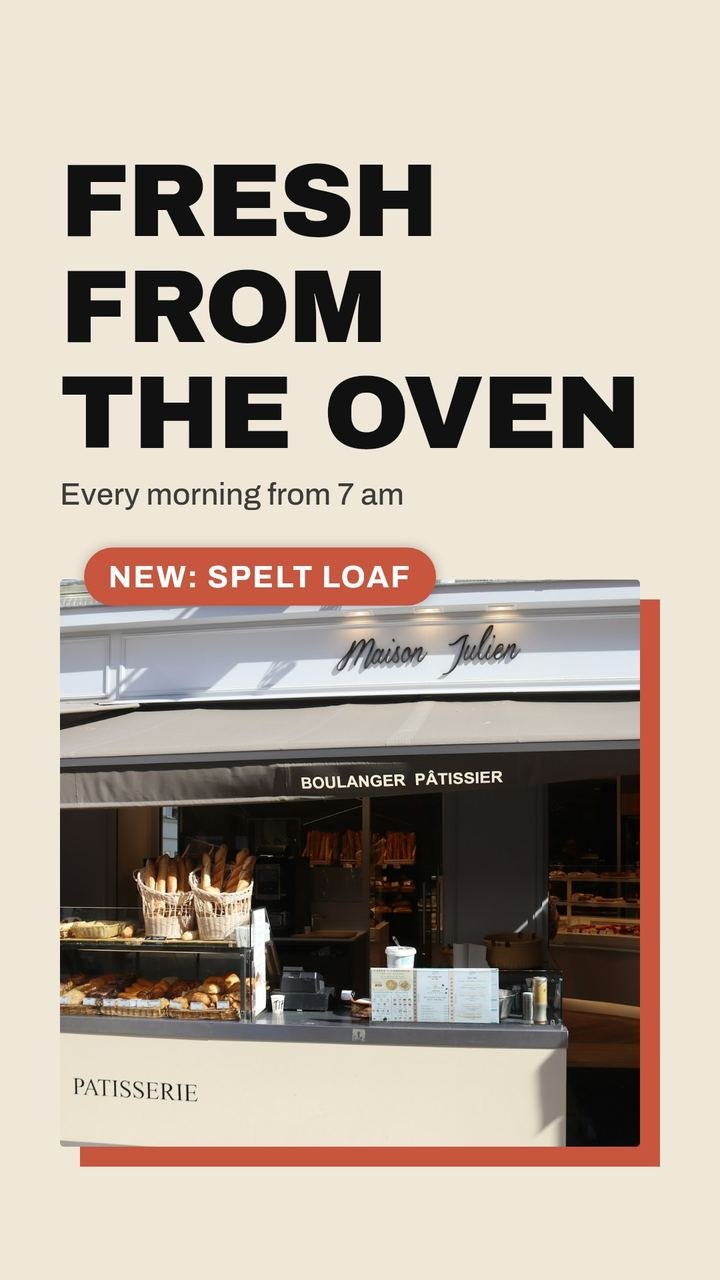
Questions
Can I use SMPM and Canva together?
Yes. Many owners use SMPM for their weekly posts and keep Canva for flyers and one-off designs.
Is SMPM cheaper than Canva?
They are priced for different jobs. Canva has a free plan and paid plans for the design tool. SMPM costs $99 per month and includes the design work, captions and video versions.
Does SMPM have templates?
SMPM has many layouts, typefaces and styles, but it chooses them for you based on your photo and message. You can save a style you like so most posts follow it.
Canva is a trademark of Canva Pty Ltd. SMPM is not affiliated with Canva. Canva's features and plans change often; check canva.com for the current situation.
Related
Make your next post in minutes
Try SMPM free for 3 days with your own photos. After that $99 per month, cancel any month.